
Databases
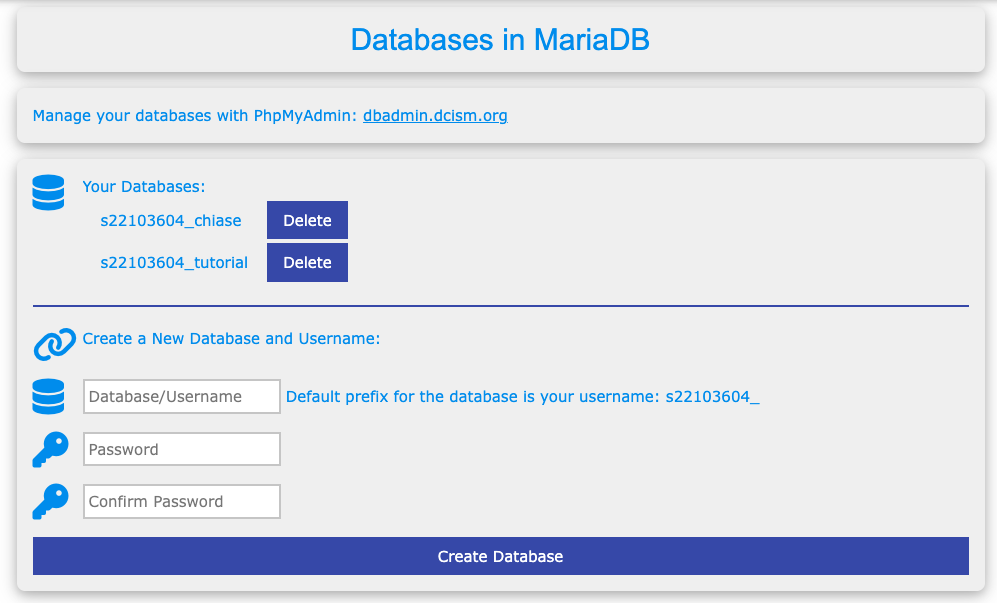
You can set up and control your own MySQL database using the DCISM web server. Here’s how to get started and manage it:
- Create a Database: Use the admin control panel to set up a new database.
- Manage It: Head to https://dbadmin.dcism.org/ to work with your database (e.g., add tables, run queries).
TIP
Your database name will always start with your username followed by an underscore. For example, mine is s22103604_ plus whatever name I choose (like s22103604_chiase).
Logging in
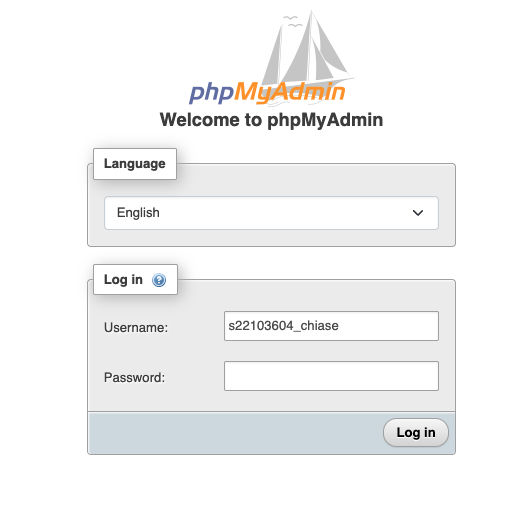
To access your database through phpMyAdmin, you’ll need the right credentials:
- Username: Use your full database name (e.g.,
s22103604_chiasefor me). - Password: Enter the password you set for this database in the admin control panel.