

Static Hosting
By default, the DCISM web server already serves static websites. This means it can deliver files such as HTML, CSS, JavaScript, and images directly to a client’s browser without requiring server-side processing beyond simple file retrieval. These files are are stored in the subdomain directory (e.g., tutorial.dcism.org/) and are served as-is, making static hosting efficient for simple websites or applications that don’t need dynamic content generation. If you want to expand this functionality, say, to include dynamic content, please head over to PHP hosting or Node.js hosting page.
Naming
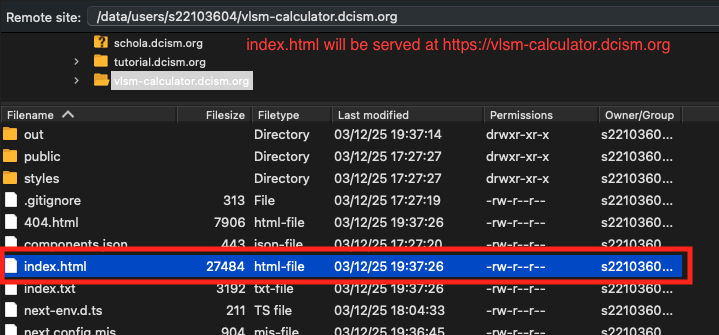
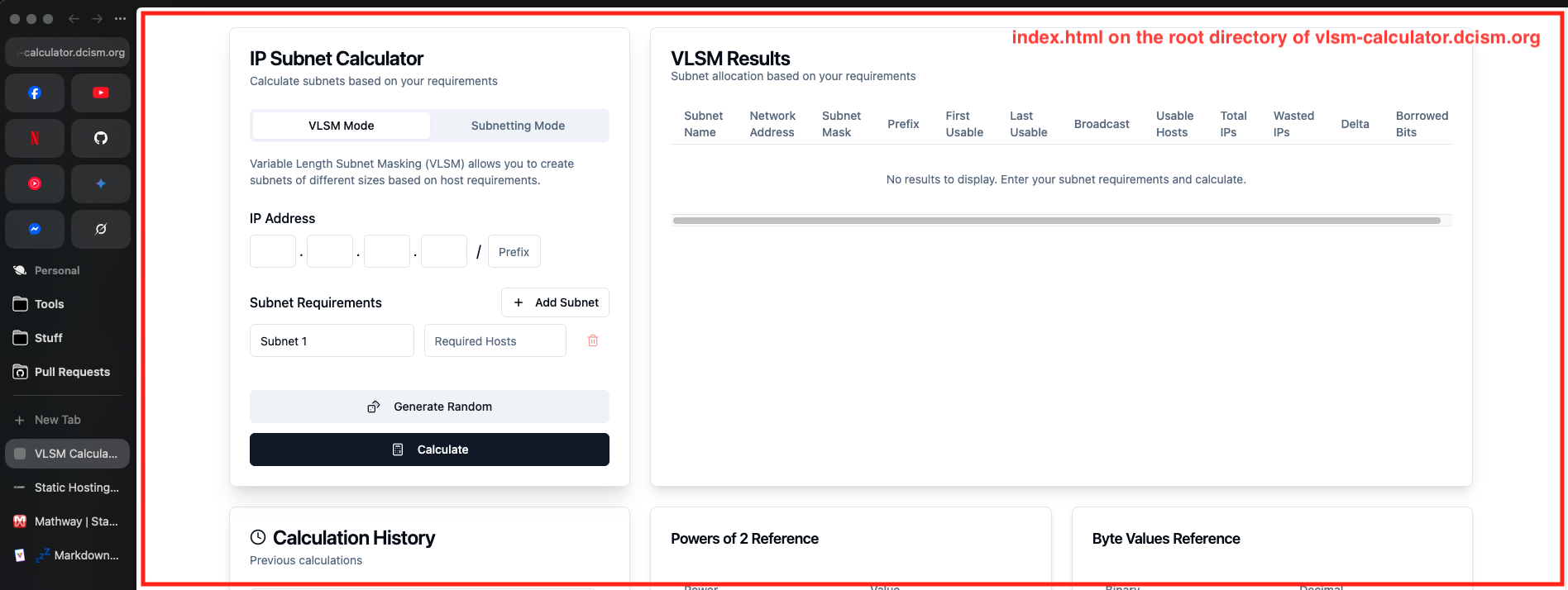
Files named index (index.html or index.php) are served at the root of the directory by default on the DCISM web server. This convention allows users to access a website without specifying a file name in the URL. For example, navigating to tutorial.dcism.org/ will automatically serve tutorial.dcism.org/index.html or tutorial.dcism.org/index.php, depending on what’s available and how the server is configured (I personally don't know yet). If both files exist, the server typically prioritizes one based on its settings (e.g., preferring .html for static content or .php if PHP processing is enabled).
Concrete Steps on How to Host Static Sites
- Create a subdomain.
- Put
index.htmlorindex.phpinside therootof the subdomain folder. - Open your subdomain link (
your-subdomain.dcism.org) on your browser. - Your
index.htmlshould now be rendered.