

Built-in Tools
The DCISM web server provides various tools for development, including (but not limited to):
- Version Control:
git - JavaScript/Node.js Ecosystem:
npm, node, npx: Node package manager, runtime, package runner- Version
22.10.0
- Version
bun: Fast JavaScript runtime- Version
1.1.26
- Version
- Development:
gcc,g++: C/C++ compilersmake: Build toolpython3: Python 3 interpreterperl: Perl scripting
- Database Tools:
mysql: MySQL clientmariadb-*: MariaDB utilities (e.g.,mariadb,mariadb-check,mariadb-dump)
- File Transfer/Networking:
ssh: Secure Shellsftp: Secure File Transfer Protocolcurl: HTTP clientwget: File downloader
- Text Editors:
nano: Simple editorvim.tiny: Minimal Vim
- General Utilities:
ls,cp,mv,rm,cat,mkdir, etc.zip,unzip: File compression
Git Version Control
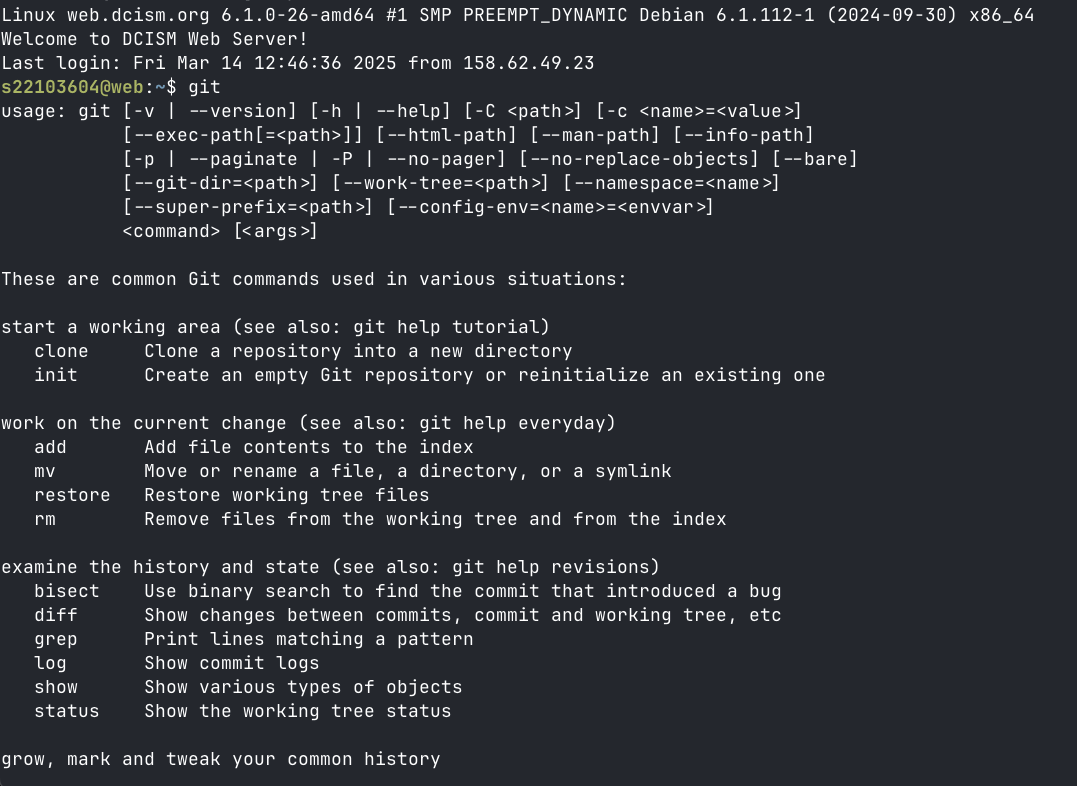
The DCISM web server has Git Version Control built-in, which means you can execute git CLI commands such as git init and git remote add origin. For efficient file management and tracking, it is more recommended to "sync" your subdomain folder codebase with your local codebase through Git, instead of manually uploading and deleting files via the SFTP client.
Javascript Runtime
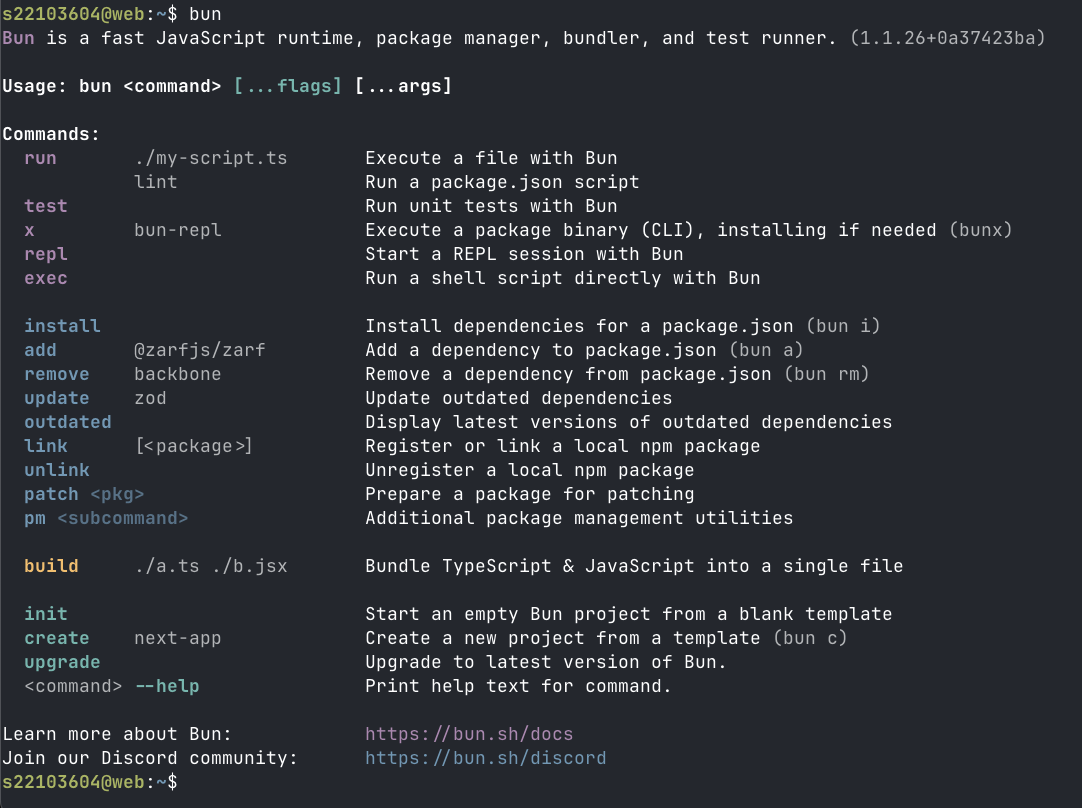
The DCISM web server includes a JS ecosystem, featuring runtimes and package management tools to streamline web development. Key tools include Bun (a fast JavaScript runtime), Node.js (a widely-used JS runtime), npm, and npx (for running npm package binaries). Alternatively, you can use bun and bunx as well. These allow you to install dependencies, run scripts, and deploy JavaScript-based applications directly on the server.
For example, you can:
- Initialize a project with
bun initornpm init. - Install packages with
bun installornpm install. - Run a Node.js app with
node app.jsor a Bun app withbun run index.js.
DEVELOPER NOTE
- For some reason, and this is based from my experience (it may vary), Using
node.js(npm) 'works more' than usingbun. Out of the three projects I made, this, my vlsm calculator and webdev finals, usingBunfailed to install important packages and/or failed to completely install a package that caused my builds to fail, but not withnpm. So, use with caution.